In this article
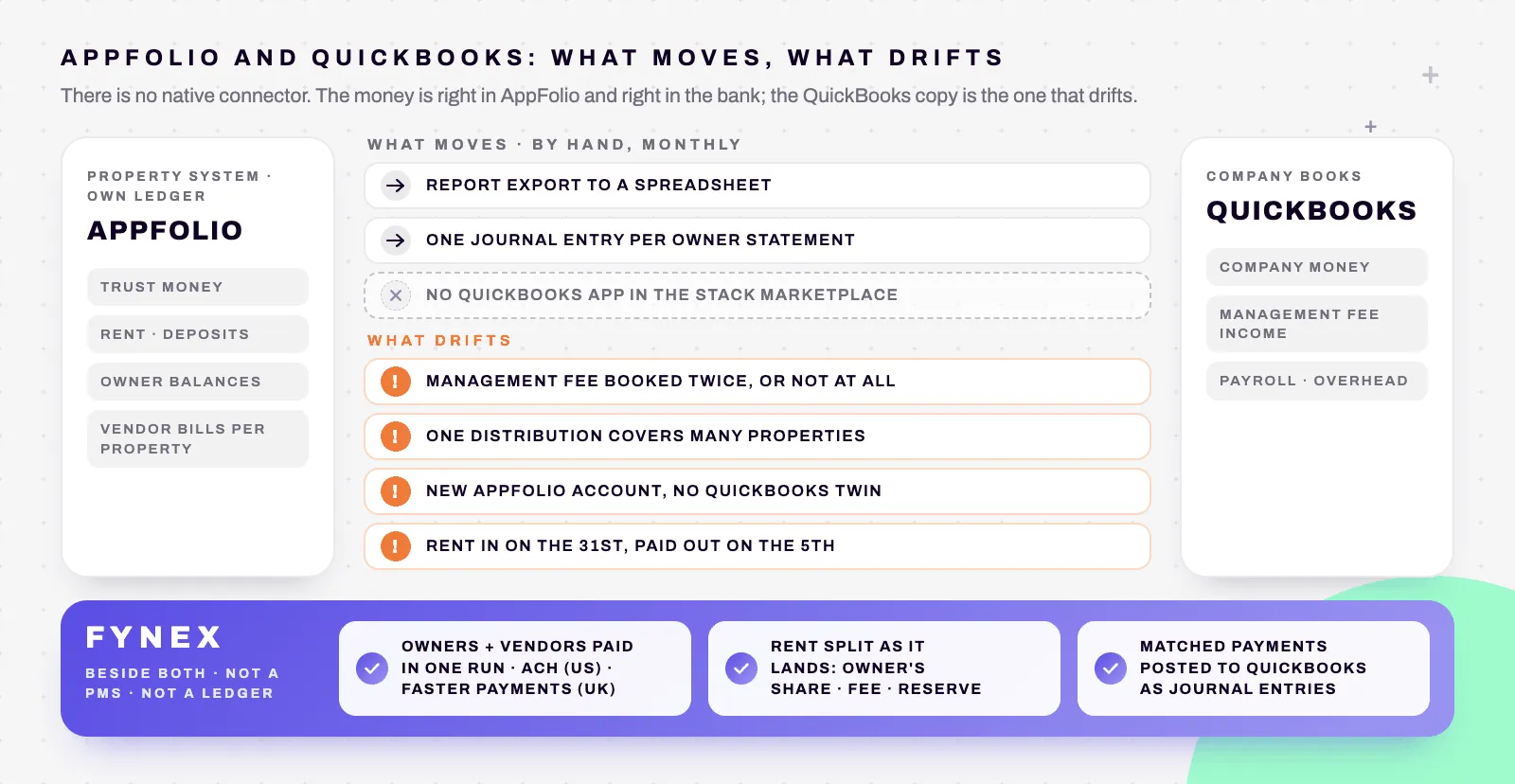
Quick answer: AppFolio has no native QuickBooks connector. It runs its own general ledger, and its Stack marketplace listed no QuickBooks app on 2026-10-13. Teams bridge the two with report exports, a monthly journal entry built from the owner statement, or a third-party connector. Fynex sits beside both and posts matched owner and vendor payments to QuickBooks.
This post covers what AppFolio does on its own, what it leaves to you, the manual workaround, a clean setup, and where Fynex fits. Vendor facts come from AppFolio’s public pages, fetched 2026-10-13.
What AppFolio does natively
AppFolio is a full accounting system for property, not a front end that feeds QuickBooks. That is the root of the question.
From AppFolio’s own pages:
- General ledger. A unified chart of accounts that combines property accounts and corporate accounts.
- Bank reconciliation. Bank Feed pulls transactions through a bank integration (AppFolio names Plaid) or uploaded files, matches them to AppFolio records, and surfaces likely matches for the rest. AppFolio says it handles 80–90% of matches automatically.
- Owner and vendor payments. Owners, vendors and residents are paid by eCheck. Distributions include an automatic true-up.
- Bills and close. The Plus plan adds automated bill entry and month-end close steps.
- Export. AppFolio offers export of your data for use outside AppFolio. It does not name QuickBooks as a target.
What is not there: a QuickBooks or Intuit listing in the Stack marketplace. The accounting partners listed there are invoice and payment automation (AvidXchange), payroll (ADP) and outsourced bookkeepers.
Who needs both, and why
Two kinds of business end up running AppFolio and QuickBooks side by side.
- The property management company. AppFolio holds client money: rent, security deposits, owner balances, vendor bills per property. QuickBooks holds the company’s own books: management fee income, payroll, rent on the office. The accountant wants the company file in QuickBooks.
- The owner or investor. The manager runs AppFolio. The owner gets a statement and a distribution each month and keeps their own books in QuickBooks. They re-key the statement.
Both are reasonable set-ups. Both create the same monthly job: move the numbers across and make them agree with the bank.
What breaks in the gap
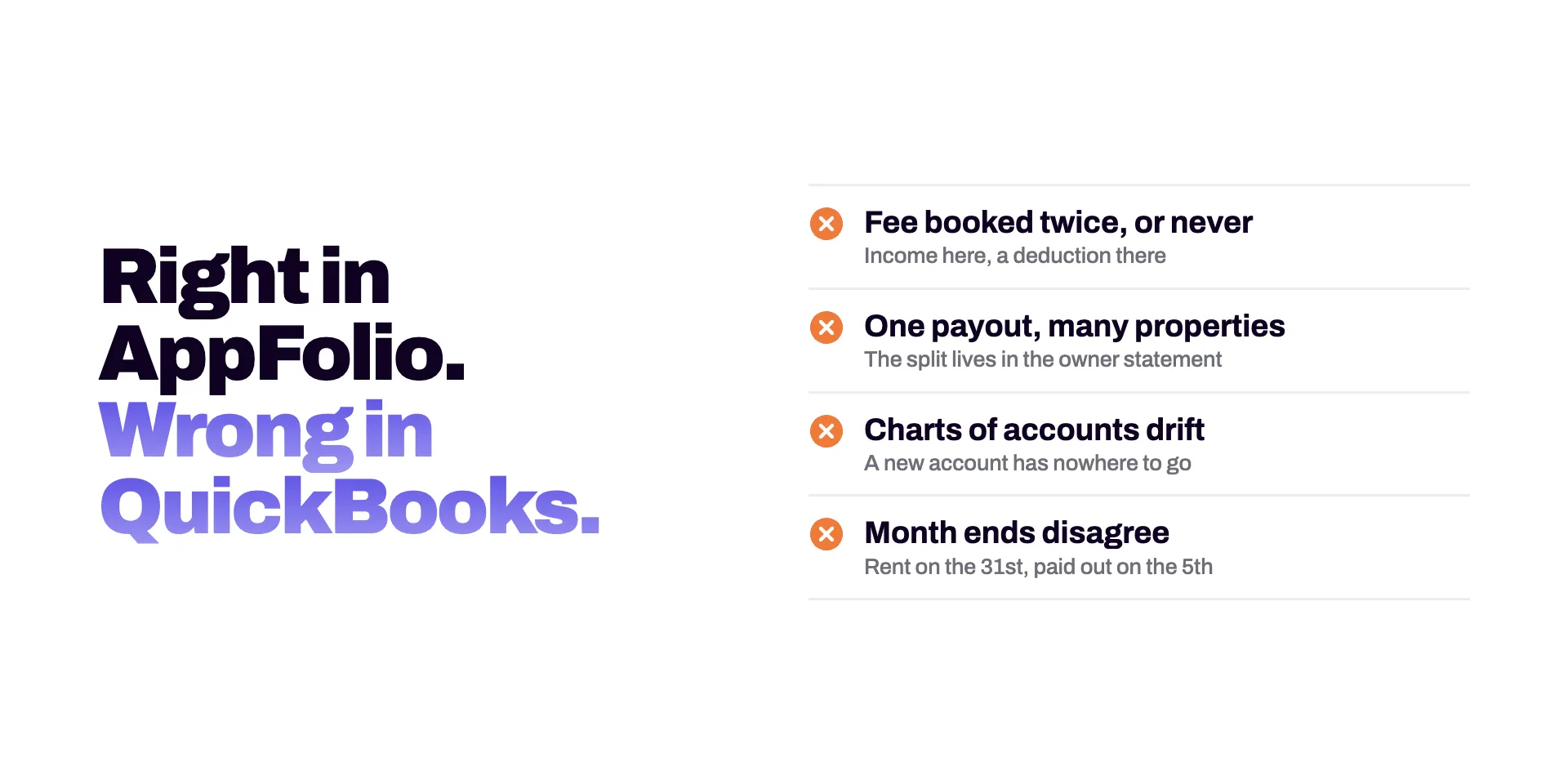
The money is right in AppFolio and right in the bank. The QuickBooks copy is the one that drifts. Four places it usually goes wrong:
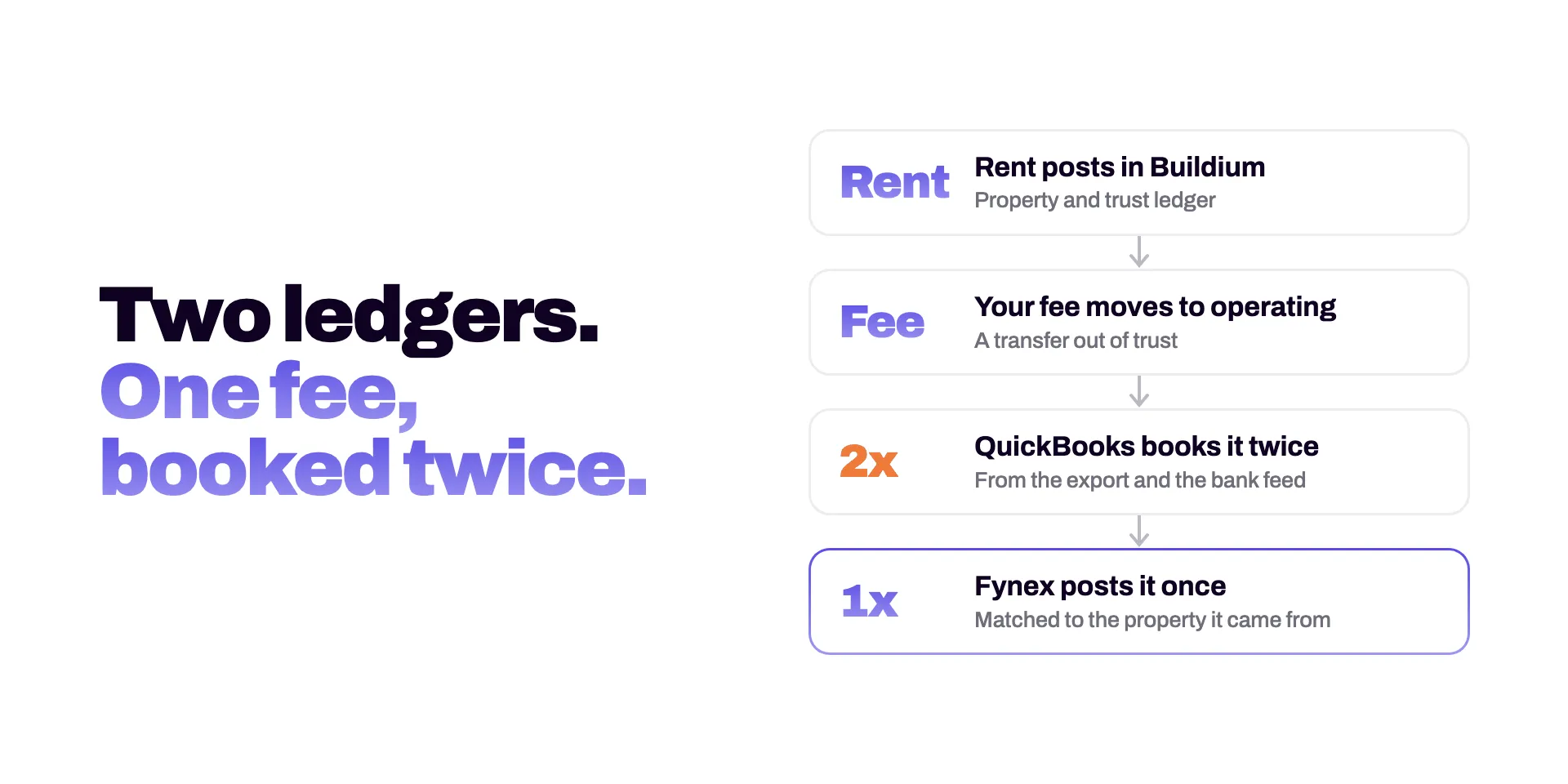
- The management fee lands twice or not at all. It is income in the company books and a deduction on each owner statement. Exported by hand, it is easy to post it on both sides or on neither.
- One distribution, many properties. An owner receives one payment covering several properties, net of fees and repairs. QuickBooks sees one deposit. The breakdown lives in the owner statement.
- Charts of accounts drift. A new expense account added in AppFolio does not appear in QuickBooks. The next export has a line with nowhere to go.
- Timing. Rent collected on the 31st is distributed on the 5th. The two files disagree at every month end until someone books the difference.
The manual workaround
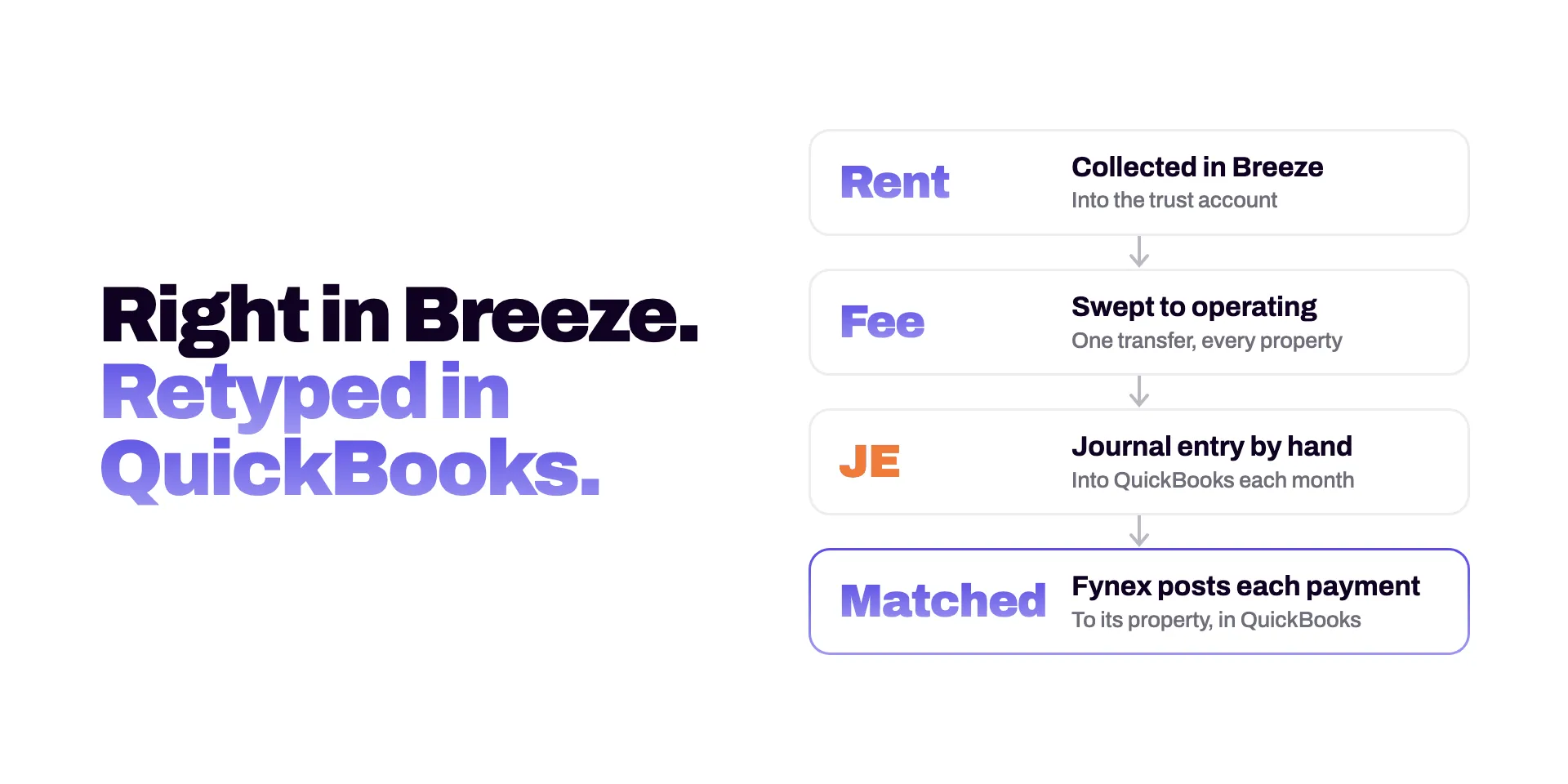
Most teams use one journal entry per owner statement per month. It is dull, and it works.
- Export the owner statement for the month from AppFolio.
- In QuickBooks, credit each income line (rent, fees charged to tenants).
- Debit each expense line (management fee, repairs, utilities).
- Debit a “Due from property manager” asset account for the balance.
- When the distribution arrives, match the bank deposit against “Due from property manager”.
For a management company, the mirror image works for fee income: one entry per month from AppFolio’s fee report, matched to the transfer from the trust account to the operating account.
How to set it up cleanly
- Decide which system owns which money. Trust money in AppFolio. Company money in QuickBooks. Write it down.
- Map the chart of accounts once. Every AppFolio account that will be exported gets a QuickBooks twin. Review the map quarterly.
- Use classes in QuickBooks for properties if you keep property-level detail there. QuickBooks Online Plus tracks classes and locations.
- Reconcile the bridge account monthly. “Due from property manager” (or “Due from trust”) should be zero after the last distribution. If it is not, the gap is the list of what went wrong.
- Vet any connector before you hand over logins. Ask what it reads, what it writes, and whether it uses an official API.
Where Fynex sits
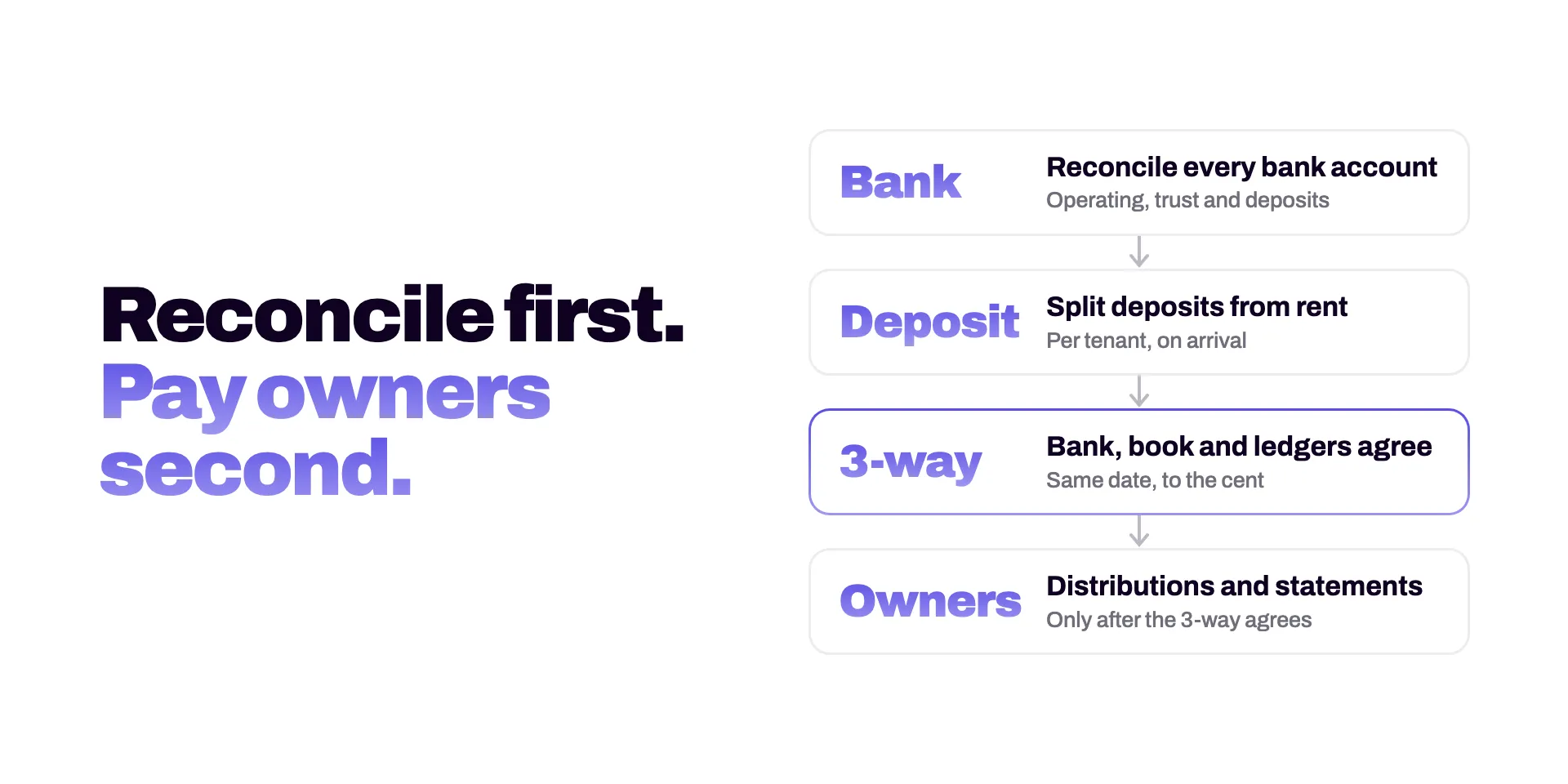
Fynex runs beside AppFolio and QuickBooks; it is not a PMS and not a ledger. It takes the money jobs that still need a person: paying owners and vendors, and matching every payment to the property it belongs to.
| Job | AppFolio on its own | Fynex beside it | Spreadsheet workaround |
|---|---|---|---|
| Pay owners | eCheck distribution from AppFolio | One run to every owner, ACH (US) or Faster Payments (UK), each matched to its properties | Bank portal, one transfer at a time |
| Pay vendors | eCheck from AppFolio | Same run as owners; each payout carries the invoice and property it settles | Bank portal plus a remittance email |
| Split rent | Recorded in AppFolio | Owner’s share, management fee and reserve split as the rent lands | Calculated at month end |
| Get it into QuickBooks | Report export | Matched payments posted as journal entries to QuickBooks (Xero and Sage too) | Re-keyed journal entry |
| Prove it ties out | Bank Feed in AppFolio | Every payment linked to its property and bank line | A reconciliation tab nobody else can read |
Fynex connects to QuickBooks Online through Intuit’s OAuth and reads invoices, payments, customers and bills as they change. Customer funds are held by Fondy Ltd (FCA FRN 900705).
When Fynex is the wrong choice: if AppFolio’s eCheck distributions and Bank Feed already close your month in an afternoon, and nobody re-keys statements into QuickBooks, you do not need another system. Fynex earns its place where people still move money and match it by hand.
Sources
All fetched 2026-10-13.
- AppFolio accounting and reporting: https://www.appfolio.com/property-manager/accounting-reporting
- AppFolio Bank Feed article: https://www.appfolio.com/articles/automated-bank-reconciliations
- AppFolio Stack marketplace: https://www.appfolio.com/stack/marketplace
- AppFolio pricing: https://www.appfolio.com/pricing
- QuickBooks Online pricing and plan features: https://quickbooks.intuit.com/pricing/
Related: Best property management accounting software (2026) · AppFolio vs Buildium · Pay property owners and split rent · Undeposited funds in QuickBooks · Fynex for property